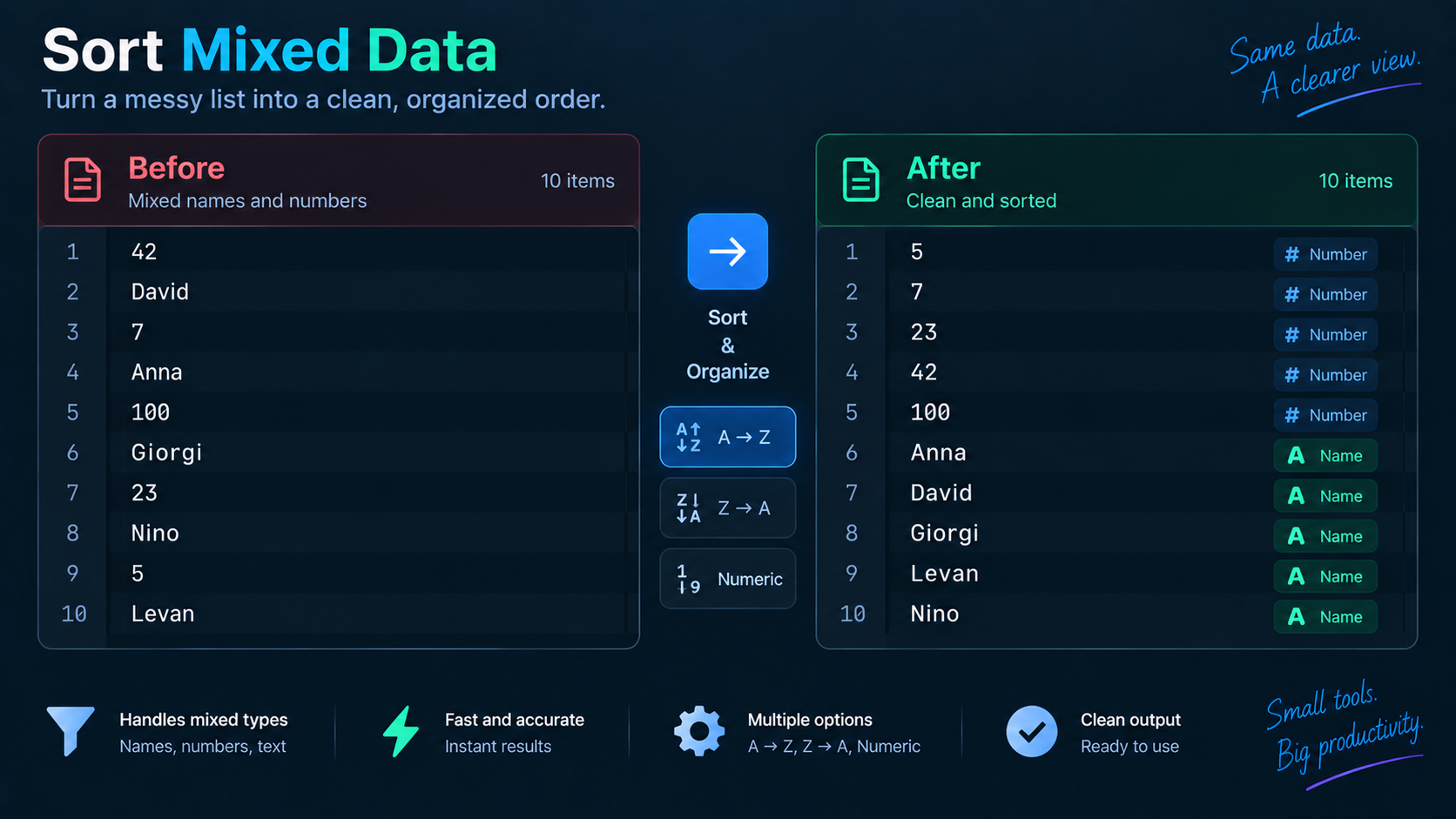
file2, file10, mixed case, leading spaces, or values whose original order carries meaning. Before sorting, decide whether you want lexicographic, numeric, or natural order—and whether sorting is safe at all.
Lexicographic order compares text
A basic text sort compares characters. That can put 10 before 2 because the first character 1 sorts before 2. It can also separate uppercase and lowercase depending on the comparison rules. This is correct for a text comparator even when it surprises a human reader.
Numeric order parses values
If every line represents a number, use numeric sorting when available. Check decimal separators, signs, blank lines, and units first. The strings 10 MB and 2 KB are not pure numbers and need domain-aware parsing if you want them ordered by actual size.
Natural order matches many filename expectations
Natural sorting treats digit runs inside text as numbers, so file2 tends to appear before file10. It is useful for filenames and numbered labels, but it is still a convention rather than a universal standard.
Clean leading/trailing whitespace
A line starting with spaces may sort far from the visible word you think you are comparing. If spaces are accidental, clean them before sorting. If indentation has meaning, preserve it and do not normalize blindly.
Know when not to sort
Order matters in source code, step-by-step instructions, firewall or routing rules, priority lists, CSV rows tied to sequence, and many configuration formats. Sorting should be limited to data that is logically an unordered set or intentionally ranked by the chosen key.
A useful list-cleaning pipeline
For a simple set of values: normalize whitespace, sort with Line Sorter, then remove repeats with Duplicate Line Remover. Keep the original copy so you can verify that normalization did not change meaningful content.
FAQ
Why are uppercase entries grouped separately?
Many sort algorithms compare character codes or locale rules that distinguish case. Case-insensitive sorting requires an explicit comparison rule.
Should I sort before removing duplicates?
Sorting first makes duplicates adjacent and easy to review, but a duplicate-removal tool may not require sorting. Preserve order instead when original sequence matters.
Practical next step
Use Line Sorter only after deciding what “correct order” means for the data, rather than assuming alphabetical display is always harmless.