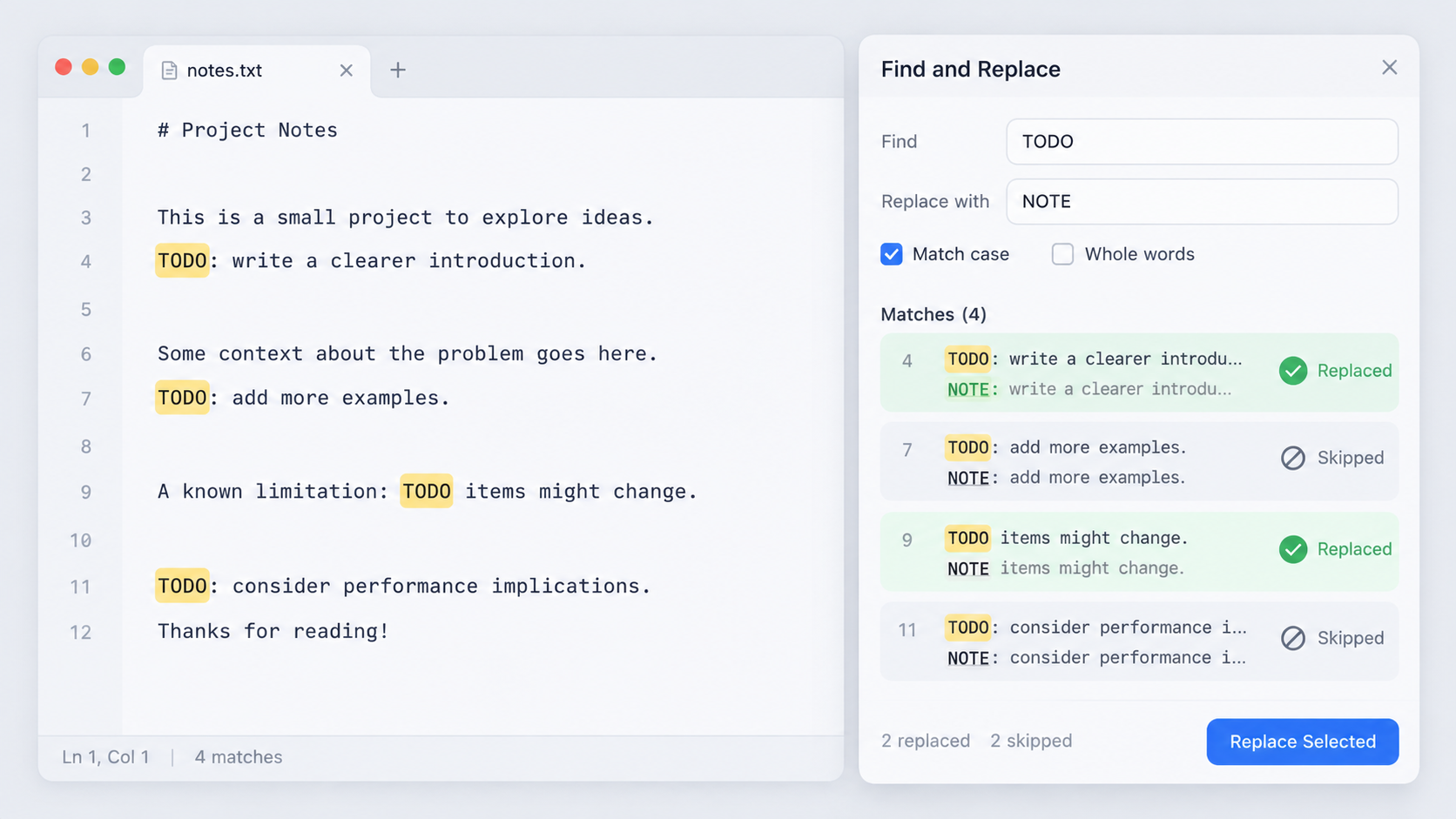
Start with a narrow literal match
Search for the exact text first. Check whether it appears inside longer words, URLs, code, quoted examples, or identifiers. A replacement of cat with dog is very different if the document contains concatenate.
Define boundaries
If you need a whole word, use the editor’s whole-word mode or a carefully tested regular expression. Test the pattern in Regex Tester against positive and negative examples before using regex replacement across important content.
Decide case behavior
Should API, Api, and api all become the same replacement? Case-insensitive matching can be convenient but may damage acronyms and proper nouns. For editorial changes, separate case variants may produce cleaner output.
Preview count and examples
Before replacing all, note the number of matches. If you expected 12 and see 1,200, stop. Review examples from different sections so a repeated navigation label is not confused with body text.
Replace on a copy, then diff
For important files, save or version the original. Run Find & Replace, then compare the result with Text Diff. The diff should show only the intended transformation.
Code refactors need code-aware tools
Renaming a symbol in source code is often safer with an IDE or language server that understands scope, imports, and references. Text replacement remains useful for data files, generated snippets, docs, and controlled string changes, but it cannot infer program semantics.
FAQ
What is the safest way to replace a repeated phrase?
Use a literal search, inspect the match count and context, apply the change on a recoverable copy, then diff the result.
Should I use regex for every complex replacement?
No. Regex adds power and risk. Use it only when a literal or whole-word replacement cannot express the rule clearly.
Practical next step
Use Find & Replace for the transformation, and make preview plus diff part of the operation rather than an afterthought.