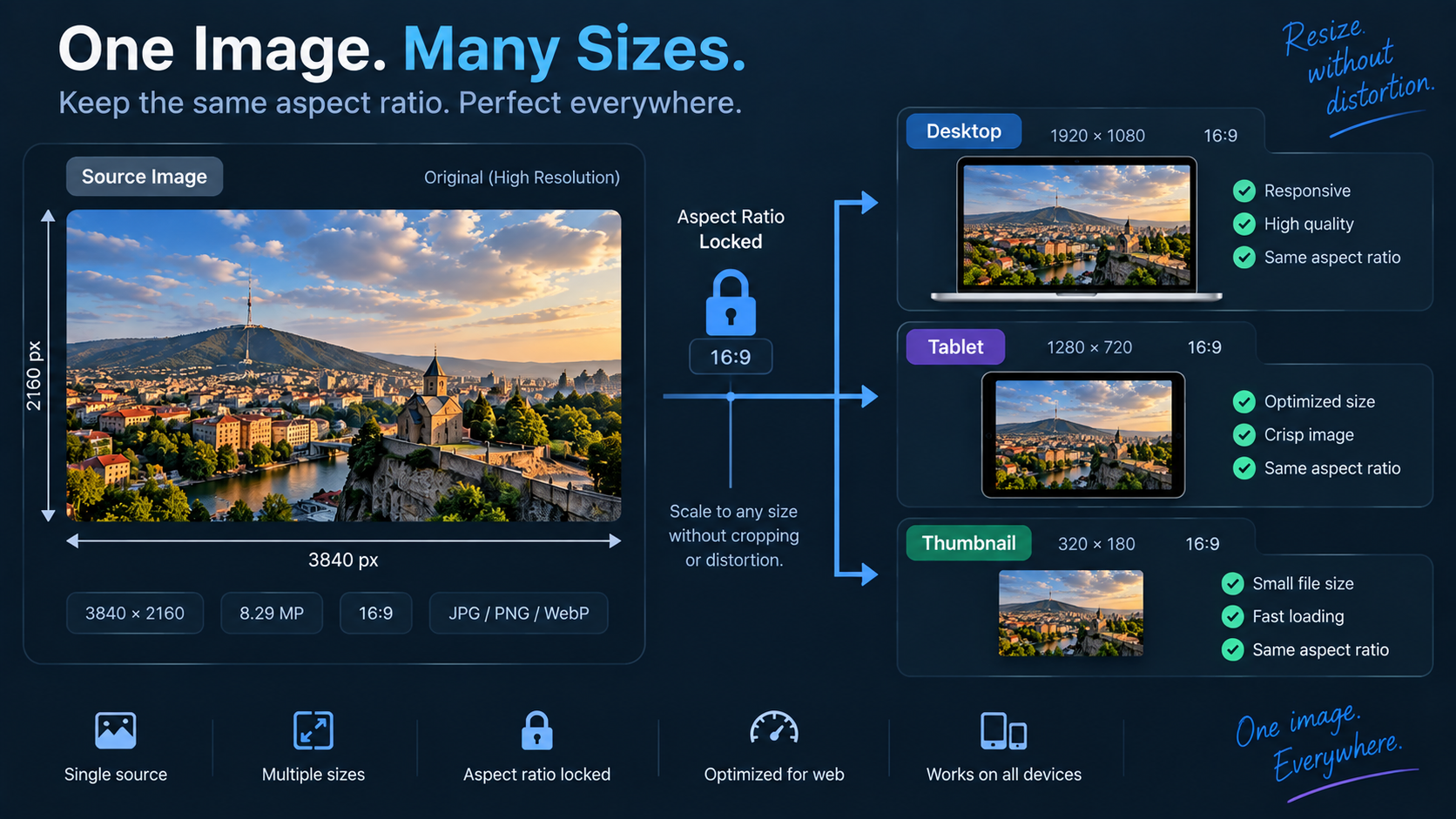
Start from the display slot
If an image is normally displayed around 800 CSS pixels wide, uploading a 5000-pixel original is often wasteful. Responsive sites may still need a larger source for high-density displays, but the target should be based on real layout needs rather than the camera’s maximum resolution.
Preserve aspect ratio unless you intend to crop
Changing width and height independently stretches faces, circles, and interface screenshots. Keep the original aspect ratio for a pure resize. If the design requires a different shape—such as a 16:9 card from a 4:3 photo—crop intentionally rather than distorting.
Avoid upscaling as a default
Making a small raster image larger does not create missing detail. Interpolation can smooth the result, but text and fine edges may look soft. Find a higher-resolution source when possible.
Check dimensions before and after
Use Image Dimensions to inspect the source size, then resize with Image Resizer. Verify the exported dimensions match the slot you planned for rather than trusting a visual preview alone.
Resize before aggressive compression
Pixel dimensions and compression solve different problems. Resize to a sensible size first, then use Image Compressor to reduce encoded file size. Compressing a huge source and then scaling it down can waste bandwidth and make quality tuning harder.
Screenshots need extra care
UI screenshots contain sharp text and lines that reveal scaling artifacts quickly. Resize by clean ratios when possible, preview at the actual rendered size, and confirm important labels remain legible.
FAQ
What is the difference between resize and crop?
Resize changes dimensions by scaling the whole image. Crop removes outer content to change framing or aspect ratio.
Should I always make images exactly the CSS width?
Not necessarily. Responsive/high-density displays may benefit from larger source variants. The right dimensions depend on your image-delivery strategy and layout.
Practical next step
Use Image Resizer after identifying the real display size, then evaluate sharpness at that size rather than zoomed far in.