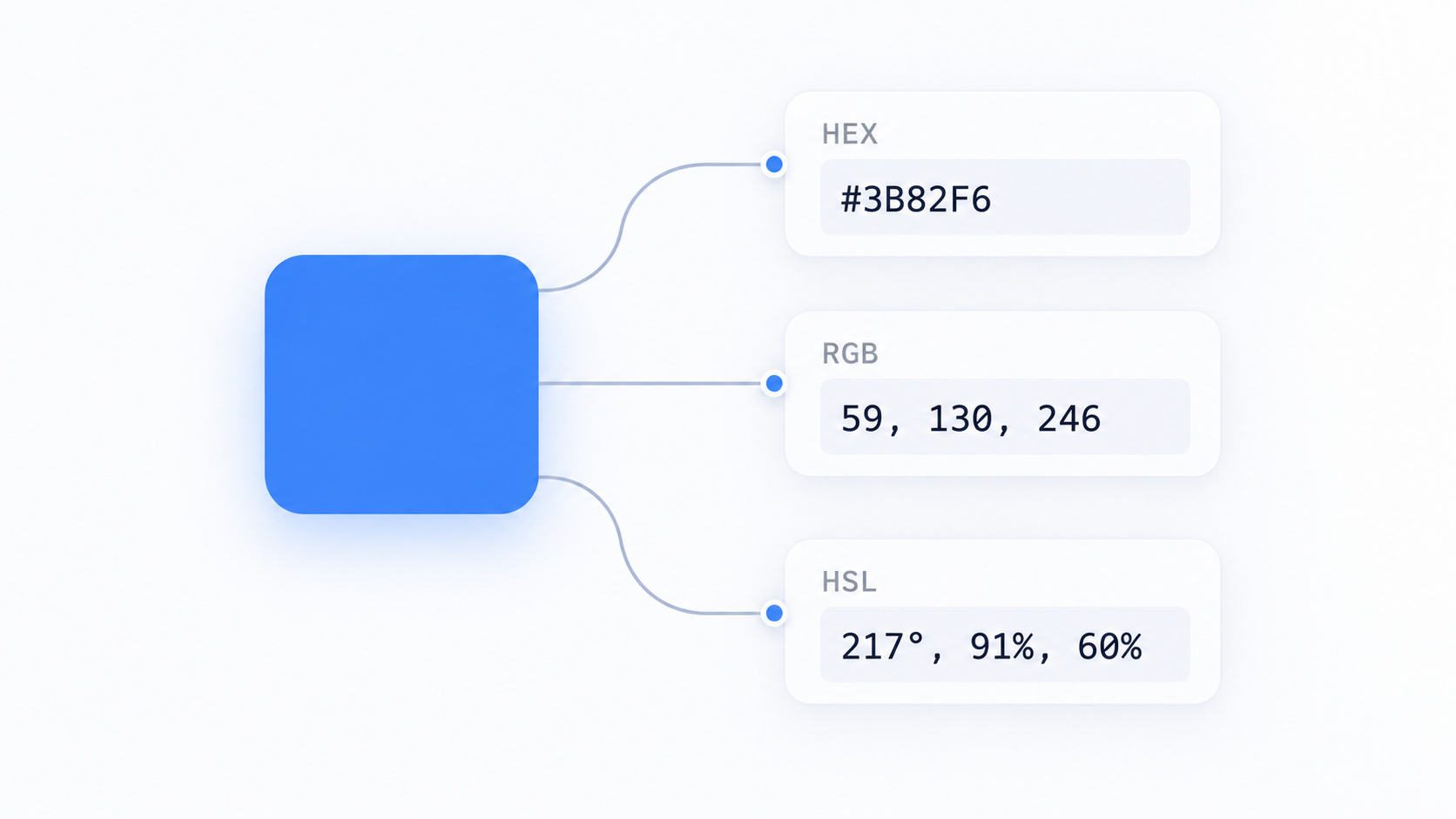
HEX is compact RGB notation
A six-digit hex color such as #3366CC uses two hexadecimal digits each for red, green, and blue. Each pair ranges from 00 to FF, corresponding to decimal 0–255.
RGB is direct channel control
rgb(51 102 204) expresses those channels in decimal form. It is intuitive when you are working with image/channel data or receiving values from APIs and design tools.
HSL is useful for conceptual adjustments
HSL describes hue, saturation, and lightness. It can be convenient for generating related UI states because changing lightness or saturation is more conceptually direct than manually adjusting three RGB channels. Equal HSL “lightness” does not guarantee equal perceived brightness.
Alpha is transparency
Modern CSS color syntax can include an alpha component. Transparency changes the final visible color because the foreground blends with the background, so accessibility checks must use the composited result rather than the foreground color alone.
Conversion may involve rounding
Use Color Converter to move between formats. Some conversions pass through floating-point values, so round trips can produce tiny numeric differences while rendering essentially the same color.
Notation does not solve contrast
After conversion, test text/background contrast with an appropriate accessibility checker. The color model is a developer convenience; readability depends on the actual displayed colors and context.
FAQ
Is #fff the same as #ffffff?
Yes. Three-digit hex is a shorthand where each digit is duplicated.
Does HSL make it easier to create a palette?
It can make systematic changes easier, but good palettes also account for perception, contrast, state meaning, and the surrounding colors.
Practical next step
Use Color Converter to normalize values, then evaluate the visual and accessibility result separately.
Color spaces and conversion limits
Typical HEX, RGB, and HSL values in everyday CSS workflows describe colors within an RGB-oriented space, but modern displays and CSS can also work with wider-gamut and perceptual color models. A simple converter is excellent for common notation changes; it should not be treated as a full color-management pipeline for print, photography, or wide-gamut production.
Keep source values with design tokens
If a design system has one authoritative color value, store that token and generate alternate notations when needed. Repeatedly converting and hand-editing copies can introduce rounding drift and makes later palette changes harder to propagate.