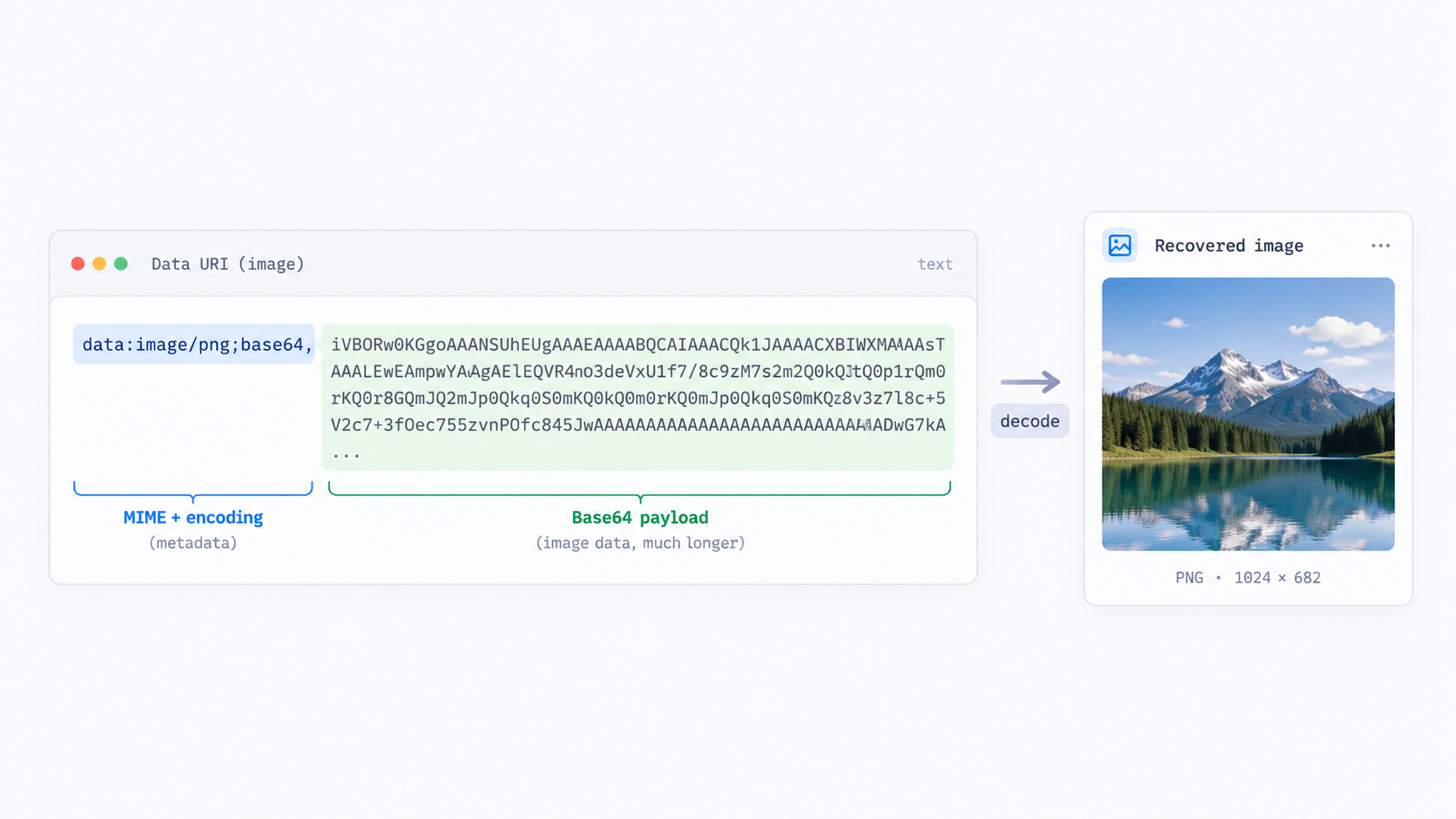
data: URL, the string contains both instructions about the data and the data itself. Decoding it is mostly a matter of separating the prefix from the payload and interpreting the declared encoding correctly.
Read the prefix first
A typical image URI begins like data:image/png;base64,. The media type tells you the expected image format. The optional ;base64 marker tells the decoder how the data after the comma is represented.
The first comma is the key boundary
Everything before the comma is URL metadata; everything after it is data. Copying only the Base64 segment can be enough for a generic decoder, but Data URI to Image can use the complete form and preserve the format context.
Common failure: truncated payload
Long data URIs are easy to cut off in logs, database views, chat tools, and devtools panels. A partial Base64 string may fail to decode or produce an incomplete file. Return to the original source before trying random padding fixes.
Common failure: extra escaping
A data URI copied from JSON, HTML, or source code may include surrounding quotes, backslash escapes, HTML entities, or CSS syntax. Extract the actual URL value rather than feeding an entire source-code literal into the decoder.
Verify what you recovered
Open or preview the decoded result and, when exact bytes matter, compare a checksum with the expected original. Re-encoding an image through an editor can alter bytes even when it looks the same.
Treat unknown data as untrusted
Do not assume a data URI is safe merely because it says image/.... In application code, validate allowed types and handle untrusted content with the same care you would give uploaded files.
FAQ
Why is there no file extension in the URI?
The media type in the prefix carries format information. A decoder can use it to choose an appropriate output type.
Can I decode the payload with the Base64 tool?
Yes when the URI uses ;base64, but remove the data:...,... metadata first. The dedicated image decoder is more convenient for the full string.
Practical next step
Paste the complete value into Data URI to Image, then inspect the prefix and source context if decoding fails.