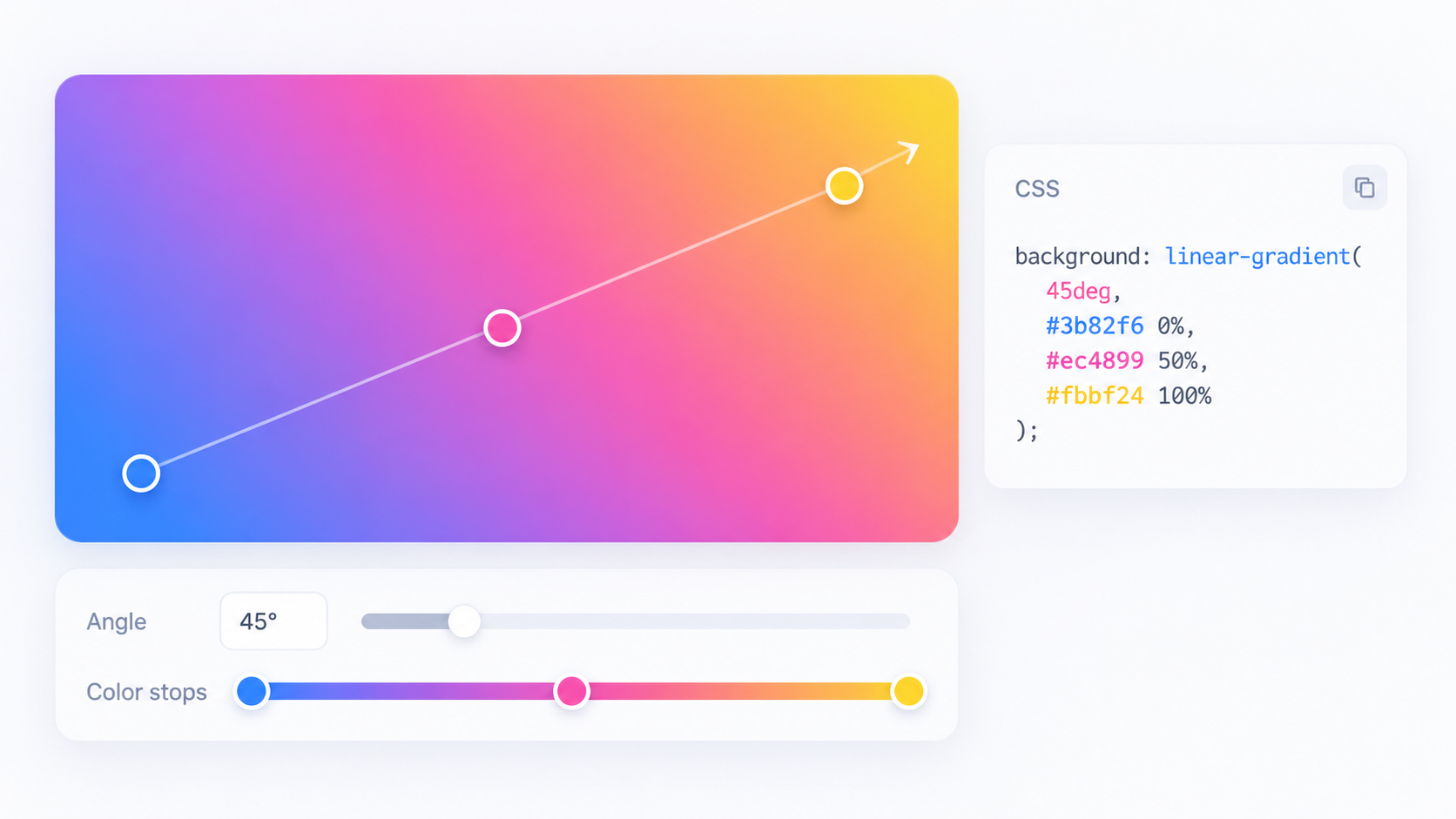
Linear gradients have a direction
A linear gradient progresses along an axis. You can express direction with keywords or angles. Small angle changes can noticeably shift where colors meet, so treat the direction as part of the composition rather than decoration.
Color stops control timing
A stop combines a color with an optional position. Without explicit positions, the browser distributes stops automatically. Adding positions lets you hold a color longer, create a sharp boundary, or place the transition’s visual center more precisely.
Radial gradients add shape and position
Radial gradients expand from a center and can be circular or elliptical depending on syntax and box geometry. Positioning the center off-axis can create spotlight-like effects without extra elements.
Contrast still matters
A beautiful background can make text unreadable. Test foreground text against the lightest and darkest parts that pass behind it, including responsive crops. A gradient should not be used to disguise insufficient contrast.
Generate then simplify
Experiment visually with CSS Gradient Generator, copy the CSS, and remove stops that do not materially improve the result. Fewer intentional stops are easier to maintain than a long chain of nearly identical colors.
Convert colors when needed
If design tokens are supplied as hex, RGB, or HSL, normalize them with Color Converter before building the gradient. Consistent notation makes code review easier even though CSS supports multiple color syntaxes.
FAQ
Can a gradient have a hard edge?
Yes. Closely placed or repeated stop positions can create abrupt transitions instead of smooth blends.
Are gradients expensive to load?
They avoid a separate image request, but rendering complexity still exists. Typical simple gradients are routine; profile unusually complex visual effects if performance becomes a concern.
Practical next step
Use CSS Gradient Generator to explore, then keep the production CSS as simple as the visual design allows.
Make gradients resilient to design changes
If a gradient is part of a reusable component, put important colors and angles behind CSS custom properties or design tokens rather than duplicating literal values in many rules. That makes theme changes easier and reduces near-identical gradients that drift apart over time. Also test reduced-motion or forced-color environments when the gradient participates in an interactive effect rather than serving as decoration only.