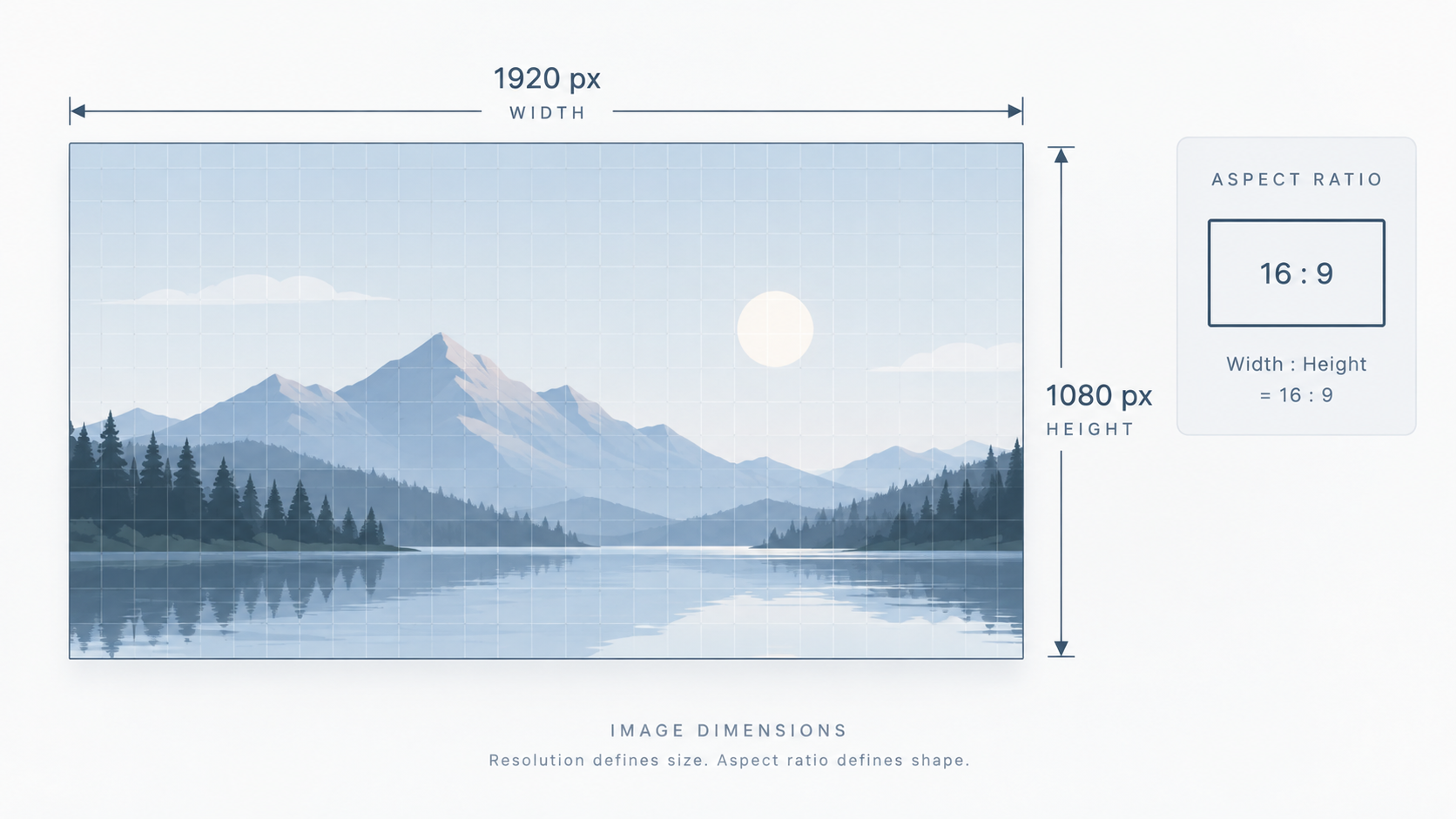
Width and height are pixel counts
A 1920×1080 raster image contains 1920 columns and 1080 rows of pixels. Multiplying them gives about 2.07 million pixels, or roughly 2.1 megapixels. That does not tell you how efficiently those pixels are encoded.
Aspect ratio describes shape
1920×1080 simplifies to 16:9. A 1200×800 image is 3:2. Layout slots often care more about ratio than exact size because responsive CSS can scale the image while preserving shape.
Too small versus too large
A source that is much smaller than its rendered size can look soft when enlarged. A source that is vastly larger may waste download bytes unless an image pipeline generates appropriate variants.
Check before resizing
Open the source in Image Dimensions, note width, height, and ratio, then decide the target. Use Image Resizer for scale changes and crop separately when the layout requires a different ratio.
Do not infer dimensions from DPI metadata alone
For web display, CSS layout and pixel dimensions are usually more immediately relevant than print-oriented DPI/PPI metadata. A file labeled “300 DPI” can still be too small if it contains too few pixels for the intended rendered size.
File size has many causes
Two images with identical dimensions can have very different byte sizes due to format, compression, image complexity, metadata, and encoding settings. If dimensions are appropriate but bytes are excessive, use Image Compressor.
FAQ
Does 4K always mean 3840×2160?
In consumer display contexts, “4K” is often used for 3840×2160, while cinema standards can use different dimensions. Prefer exact pixel dimensions when precision matters.
Can two images have the same aspect ratio but different quality?
Yes. Ratio only describes shape; resolution, source detail, encoding, and compression determine other quality characteristics.
Practical next step
Check the source with Image Dimensions before optimizing. Knowing the actual pixels prevents guesswork.